This page showcases a collection of graphic design work created to support teaching, learning, and institutional communication across a variety of higher education contexts. The examples include custom course homepage banners, event flyers, educational handouts, icons, and logos designed to enhance visual clarity, reinforce branding, and support course navigation and engagement. These projects demonstrate how visual design can complement instructional goals by making information more accessible, cohesive, and easy for learners and faculty to use.
Graphic Design
Course Homepage Banners

Course: Required @ Western
Purpose: Housing department compliance course
Software: Canva, Photoshop, Illustrator
Audience: Students

Course: Current Issues in Biology
Purpose: Community college course
Software: Canva, Photoshop, Illustrator
Audience: Students
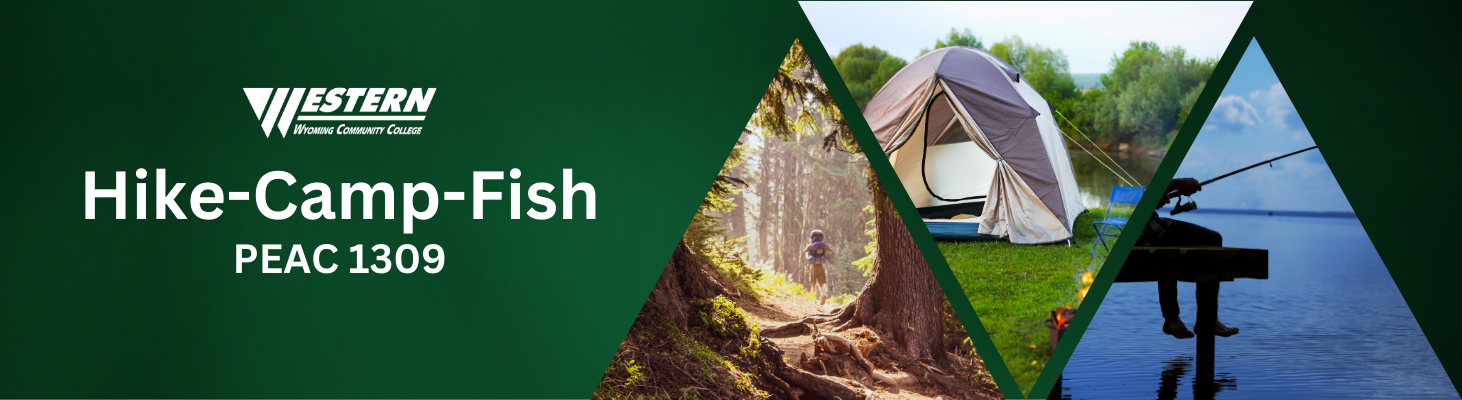
Course: Hike-Camp-Fish
Purpose: Community college course
Software: Canva, Photoshop, Illustrator
Audience: Students

Course: Women’s Soccer
Purpose: Team informational course
Software: Canva, Photoshop, Illustrator
Audience: Coaches, student-athletes
Event Flyers & Educational Handouts
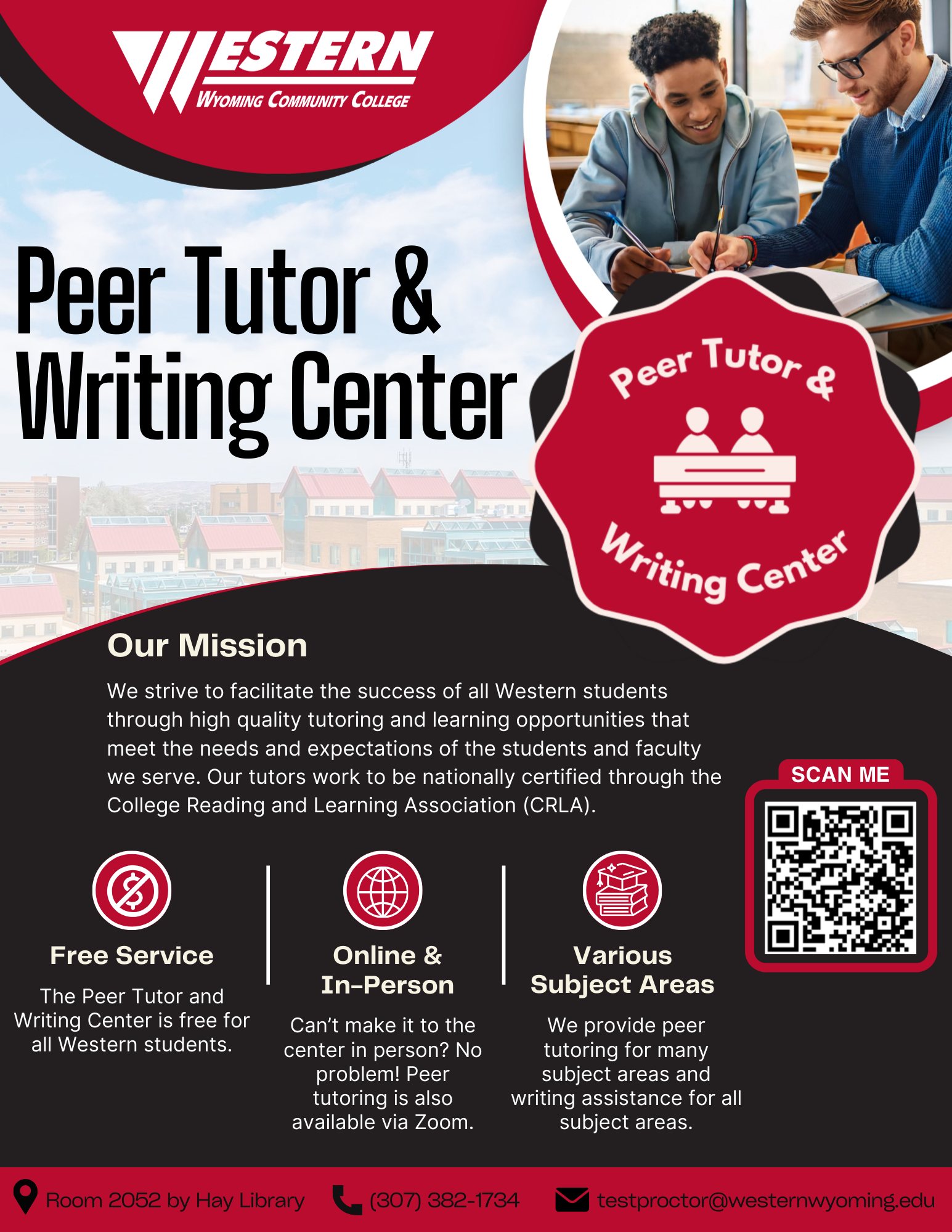
Event: Peer Tutor & Writing Center
Purpose: Provide information about our institution’s peer tutor & writing center
Software: Canva, Photoshop, Illustrator
Audience: Students at a community college
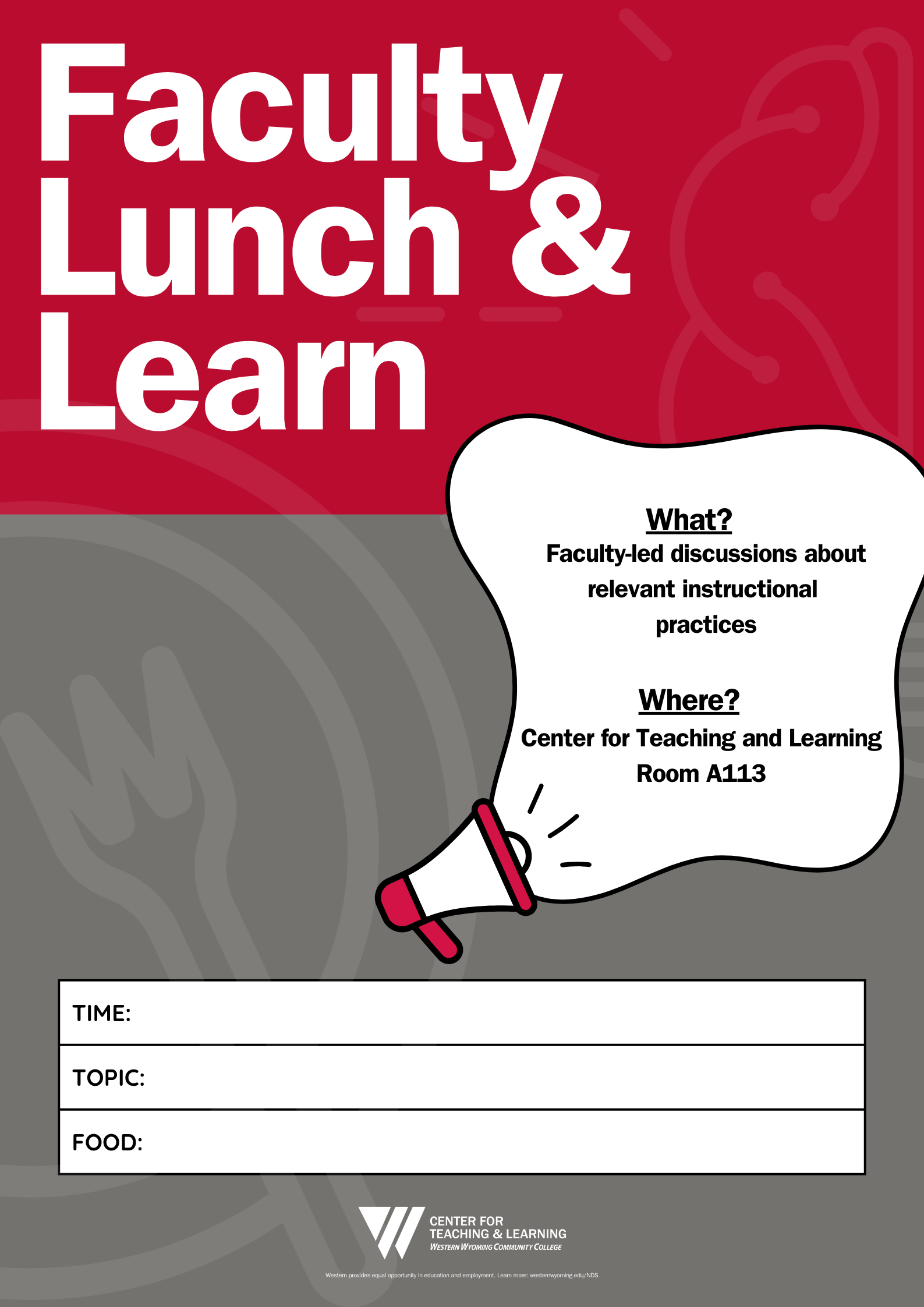
Event: Faculty Lunch & Learn
Purpose: Event flyer for our Center for Teaching and Learning’s Lunch & Learn sessions
Software: Canva, Photoshop, Illustrator
Audience: Higher Education Faculty
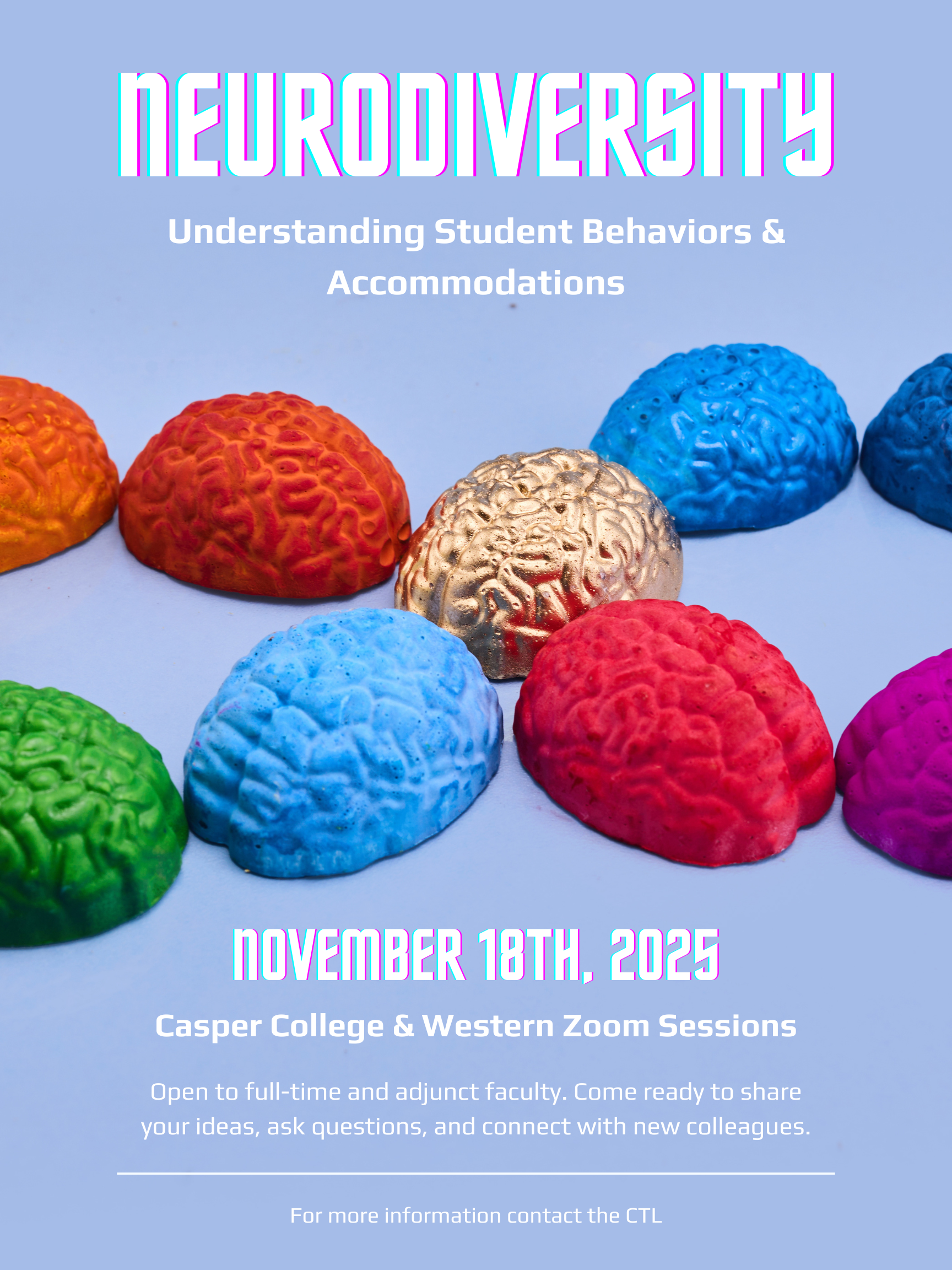
Event: Neurodiversity: Understanding Student Behaviors & Accommodations
Purpose: Event flyer for our Center for Teaching and Learning’s collaborative session with Casper College
Software: Canva, Photoshop, Illustrator
Audience: Higher education faculty
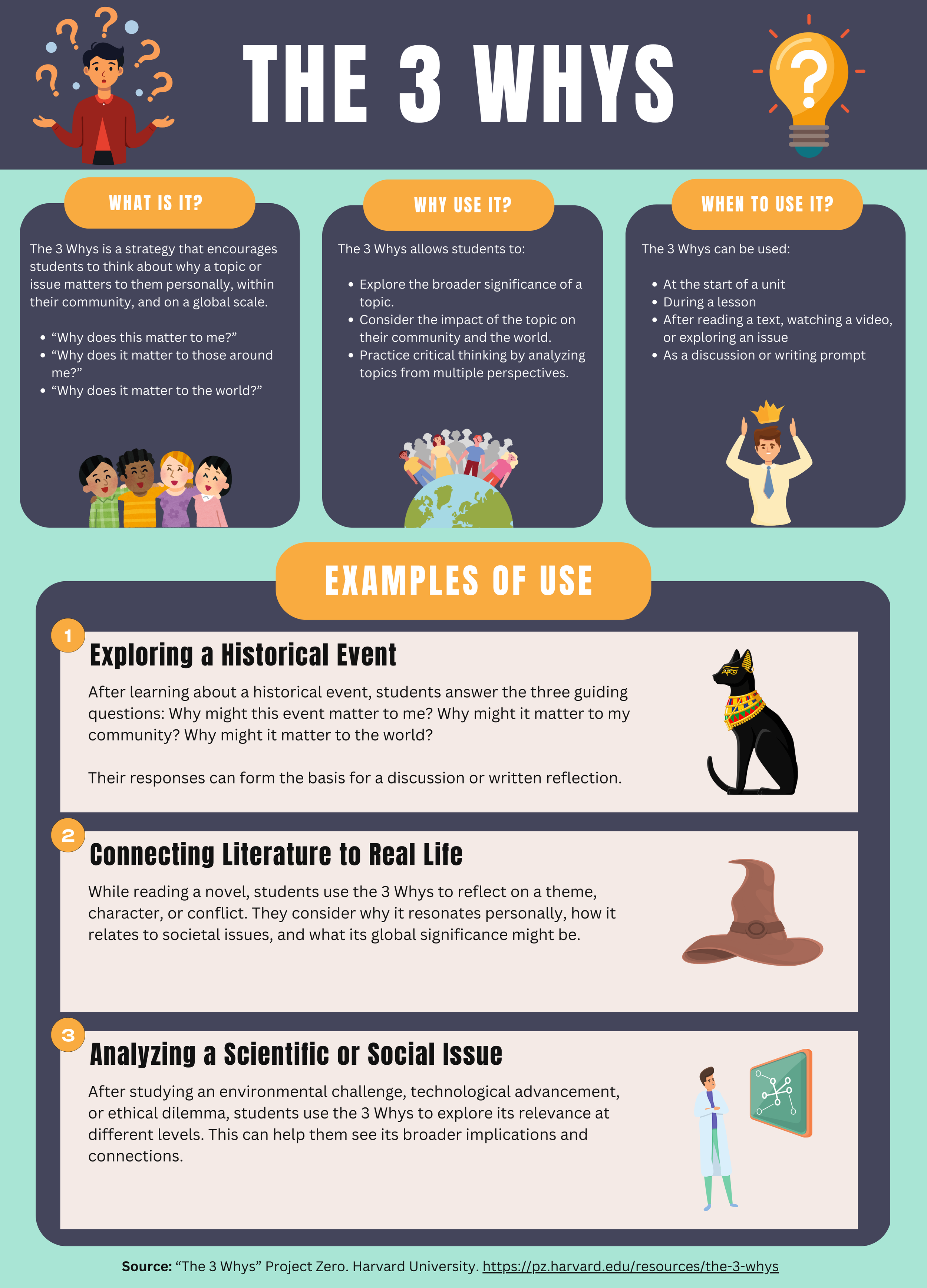
Title: The 3 Whys
Purpose: One of several educational handouts developed for faculty as part of the Instructional Features series
Software: Canva
Audience: Higher Education Faculty
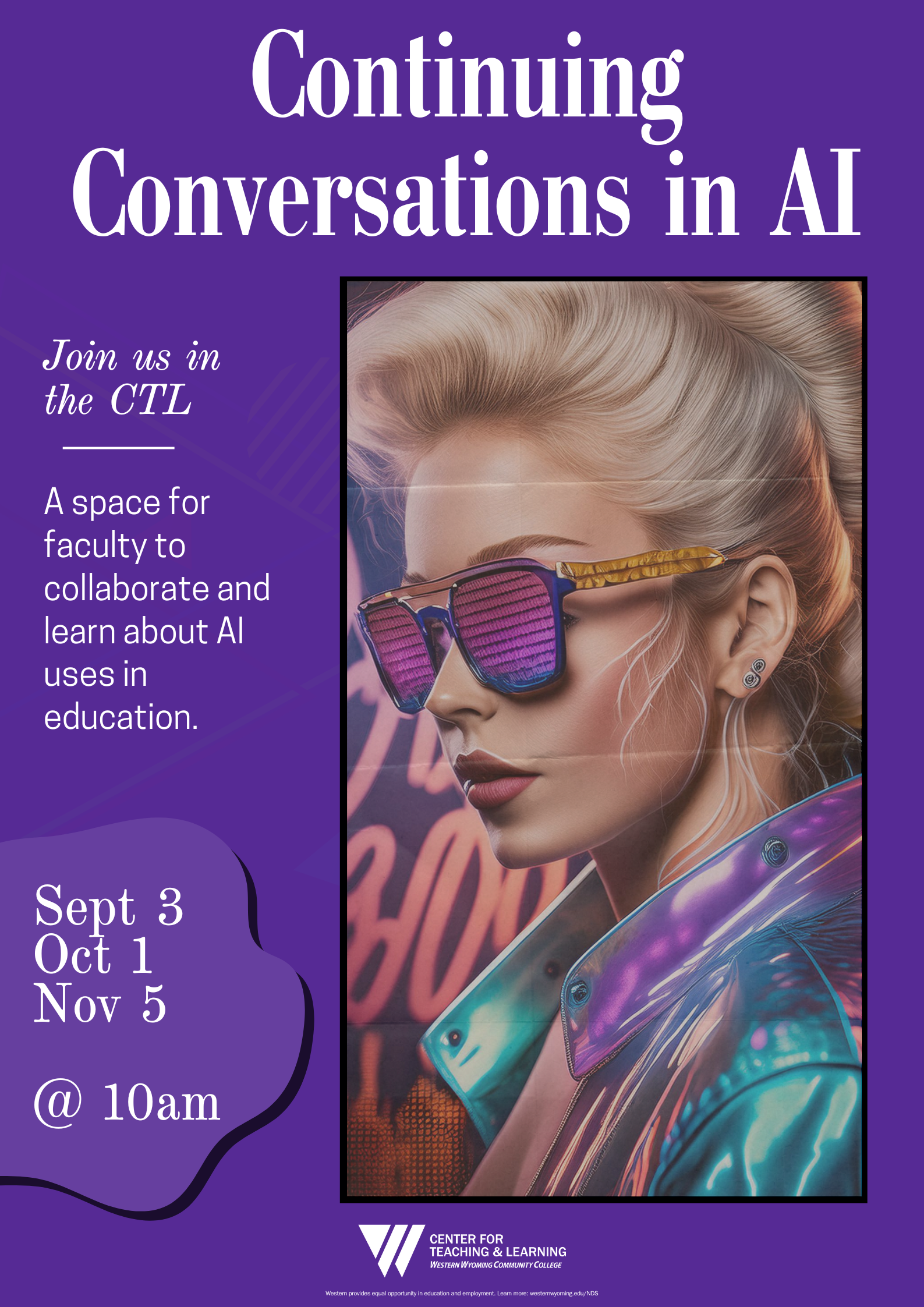
Event: Continuing Conversations in AI
Purpose: Event flyer for our Center for Teaching and Learning’s informational workshop on Artificial Intelligence
Software: Canva, Photoshop, Illustrator
Audience: Higher education faculty
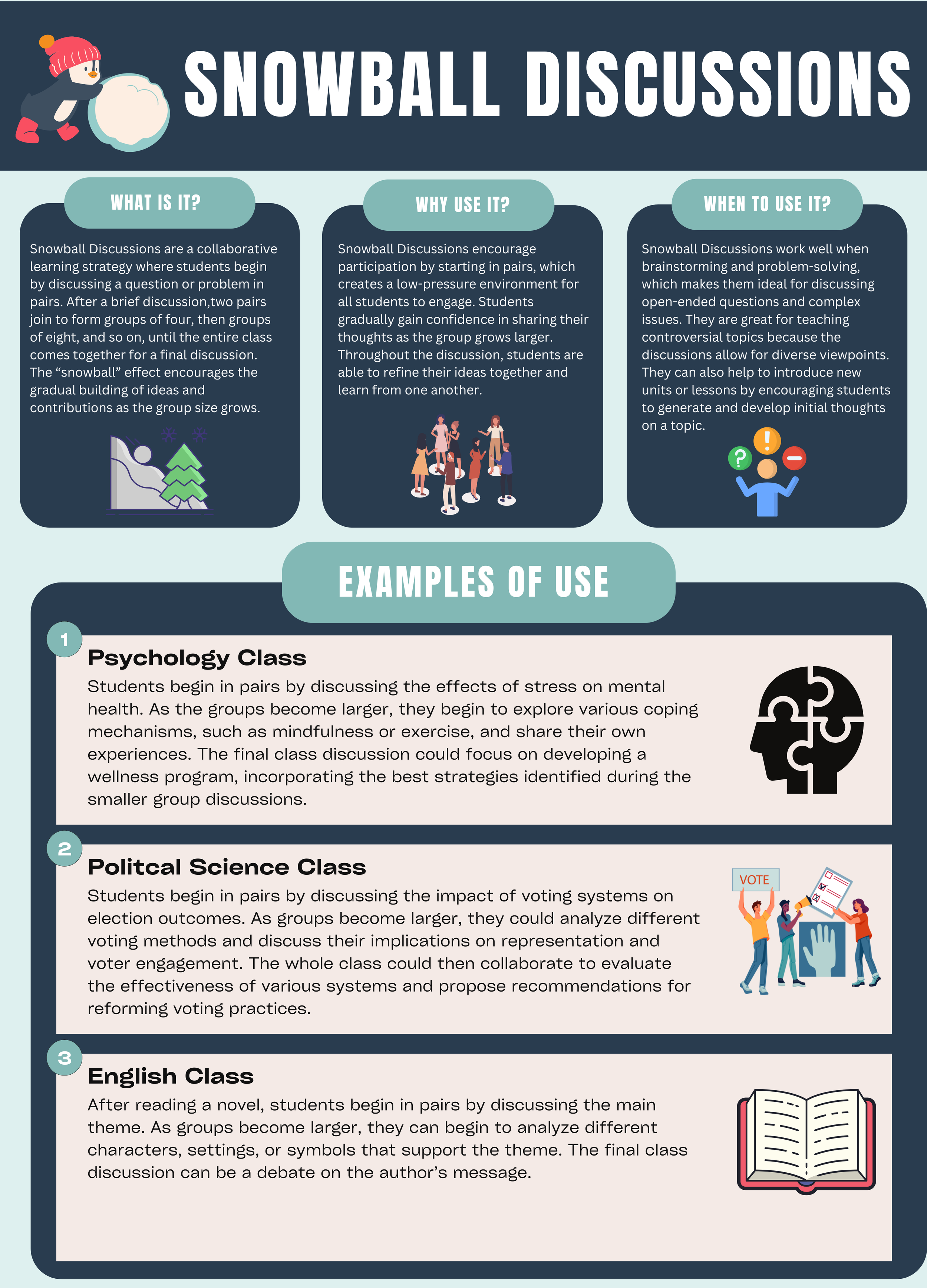
Title: Snowball Discussions
Purpose: One of several educational handouts developed for faculty as part of the Instructional Features series
Software: Canva
Audience: Higher Education Faculty
Miscellaneous Designs

Title: Wyoming Module Icon
Purpose: Used as a visual asset in a Wyoming History Course
Software: Canva, Photoshop
Audience: Students at a community college
Title: FlexTech Logo
Purpose: Adopted by a computer science department to promote their courses
Software: Canva, Photoshop
Audience: Students at a community college

Title: Fish Module Discussion Banner
Purpose: Custom banner created for a fishing course at a community college
Software: Canva, Photoshop
Audience: Students at a community college
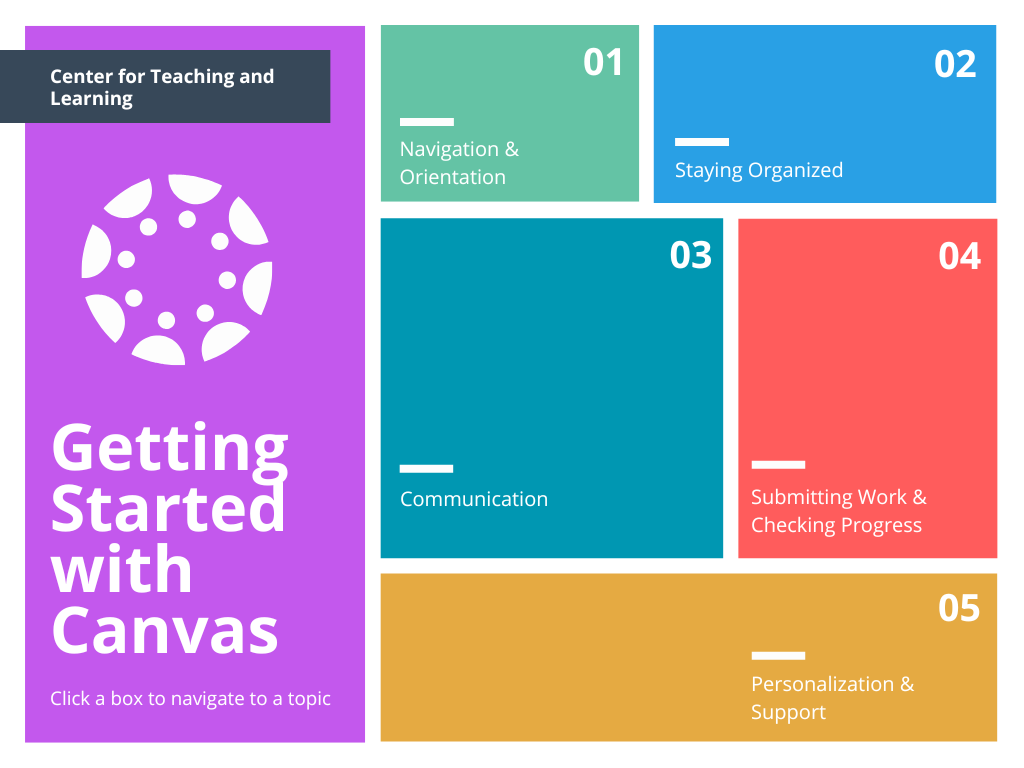
Title: Getting Started with Canvas Menu Screen
Purpose: Clickable main menu that allows faculty to navigate to key Canvas topics
Software: Canva, Photoshop
Audience: Higher education faculty